Planning a kitchen or bath update in Scenic Heights? The permit process can feel confusing, especially if you are juggling contractors, budgets, and a timeline tied to a move or sale. You want to do it right, avoid delays, and keep your project on track. In this guide, you will learn when a permit is required, how to submit through MyGovernmentOnline, what documents to prepare, how long reviews take, and the local issues that matter most in Pensacola. Let’s dive in.
Confirm your jurisdiction first
Before you start drawings or book a demo day, verify which office oversees your permit. Scenic Heights addresses can fall under the City of Pensacola or unincorporated Escambia County. Jurisdiction decides the rules, fees, and portal settings you will use.
- Look up your address on the Escambia County Property Appraiser GIS to see municipal boundaries and taxing authority.
- If you are inside city limits, your permitting office is the City of Pensacola Building, Permitting & Code Services. If you are in the county, work with Escambia County Building Services.
- When in doubt, call either office with your address or parcel ID. Ask about any overlay districts, such as historic areas, that can change review steps.
Getting this right avoids submitting to the wrong portal and losing time.
What work needs a permit
Florida uses the Florida Building Code as the baseline for construction. Local offices enforce the code and manage reviews. If your remodel affects structural elements or regulated systems, you likely need a permit. Learn more from the Florida Building Code.
Typical permit triggers for kitchens and baths:
- Structural changes:
- Removing a load‑bearing wall, adding a header, or creating a new opening. Usually requires a building permit and engineered drawings when calculations are needed.
- Plumbing changes:
- Moving sinks, toilets, showers, or tubs, changing drain locations, or altering vent systems. Requires a plumbing permit.
- Replacing or relocating a water heater or adding gas lines. Requires plumbing and gas permits.
- Electrical work:
- Adding or moving circuits, new appliance circuits, relocating outlets, switches, or lighting. Requires an electrical permit. Panel upgrades also require a permit.
- Mechanical/HVAC:
- Replacing or adding equipment, ductwork, or exhaust fans connected to HVAC. Requires a mechanical permit.
- Windows and doors:
- Changing opening sizes or egress, or installing impact‑rated products based on wind provisions. Often requires permits and product approvals.
- Life‑safety and energy:
- Any work that affects egress, smoke or CO alarms, fire separation, or energy efficiency can trigger permits and inspections.
Work that often does not require a permit:
- Cosmetic updates such as paint, cabinet replacements that do not alter plumbing or electrical, and countertop swaps that do not affect structure or systems.
- Flooring replacement when the finished height does not affect stair geometry or egress.
Always confirm with your permitting office. Local interpretations vary, especially for scopes that appear cosmetic but touch regulated systems.
What to prepare for submittal
A strong first submittal is the fastest way to approval. Plan to include these items with your application packet:
- Application forms with property address, parcel ID, and owner or contractor listed.
- Contractor information and license numbers for each trade.
- A clear scope of work: demolition, new work, and all systems affected.
- Construction drawings:
- Floor plans showing existing and proposed layouts, fixture and appliance locations, and any wall removals.
- Structural plans or calculations sealed by a Florida engineer when you alter load‑bearing elements.
- Electrical plan with circuits, panel size, and new loads.
- Plumbing riser diagrams for relocated drains or added fixtures.
- Energy documentation if required by the Florida Building Code energy provisions.
- Product data for windows and doors with wind or impact ratings if you replace them.
- Flood documentation if your property is in a FEMA Special Flood Hazard Area.
- Proof of HOA approval if your association requires it.
Pro tip: Combine all plans into a single, clearly labeled PDF and include a brief cover letter summarizing the scope. This saves review time and reduces correction cycles.
How to use MyGovernmentOnline
Both the City of Pensacola and Escambia County use online permitting tools for submittals, reviews, payments, and inspections. Follow your jurisdiction’s instructions in the portal. You can start at the MyGovernmentOnline site and select your jurisdiction.
Step‑by‑step overview:
- Create an account or sign in as a homeowner or contractor. If a licensed contractor is doing the work, they typically submit under their license.
- Start a new application and select the correct permit types, such as building alteration, electrical, plumbing, mechanical, or gas.
- Enter property details and contacts. Double‑check the address and parcel number.
- Upload plans and documents. PDFs are standard. Name files clearly, for example: KitchenPlan_RevA.pdf.
- Pay review fees online. Fee calculators may be available in the portal.
- Track plan review status. Watch for status changes like Accepted, In Review, or Corrections Required.
- Respond to comments. Upload revised plans and a point‑by‑point response letter. Cloud or mark changes on the drawings.
- Receive your permit. Once approved and fees are paid, print the permit card and post it on site.
- Schedule inspections in the portal. Request rough and final inspections for each trade and the building final.
- Close out the permit. After final approvals, you will receive a final inspection approval or certificate of completion.
Timelines you can expect
Every project is different, but most kitchen and bath remodels follow a predictable rhythm. The ranges below reflect common experiences and can vary with workload, complexity, and completeness.
- Intake and acceptance: same day to a few business days.
- Plan review timelines:
- Single‑trade permits such as straightforward electrical or plumbing: about 5 to 10 business days.
- Multi‑trade or structural alterations: about 10 to 30 business days.
- Corrections add another cycle of similar length.
- Inspections:
- Many offices offer next business day or within 2 to 5 business days, depending on availability.
- Re‑inspections are scheduled after corrections and depend on inspector calendars.
If your project needs engineering, floodplain review, or any historic or overlay approvals, expect added time.
Avoid delays with these tips
You can save weeks by planning ahead and submitting a clean, complete package.
- Confirm jurisdiction before anything else.
- Hire licensed contractors who know local permitting. Verify licensing through the Florida DBPR license lookup.
- Submit a complete packet with labeled existing and proposed plans, engineered details, energy forms, and flood documents if applicable.
- Ask about a pre‑application conversation for complex scopes.
- For window or door replacements, confirm wind and impact ratings required for the Pensacola area and include product approvals.
- Check flood zone status early through the FEMA Flood Map Service Center and be ready to provide elevation certificates if needed.
- Keep all communication records and respond point‑by‑point to review comments.
- Post the permit card and ensure access for inspectors.
Scenic Heights considerations
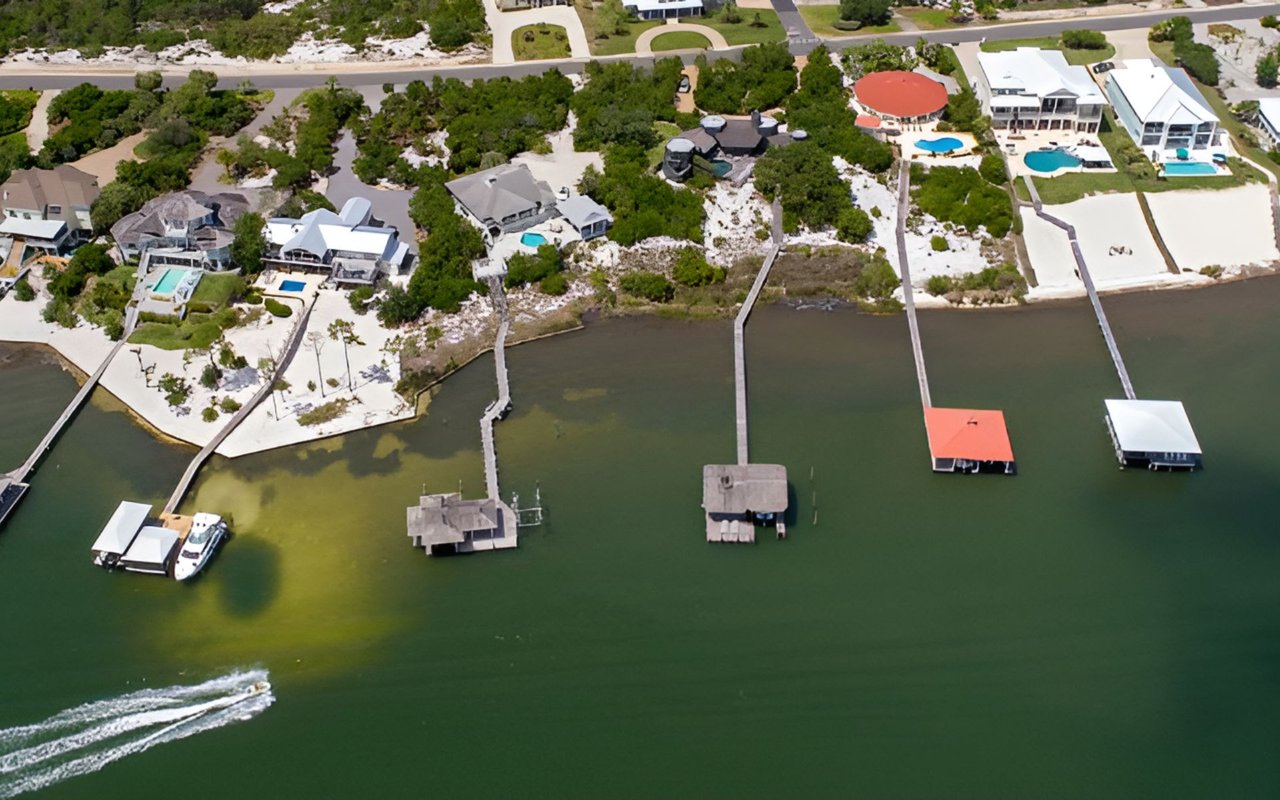
Scenic Heights sits in a coastal market that blends city neighborhoods with nearby waterways. A few local items can affect your remodel and timeline:
- Flood zones: Portions of Pensacola and Escambia County include FEMA Special Flood Hazard Areas. If your home is in a regulated floodplain, additional flood permits or elevation certificates may be required.
- Wind and coastal rules: The Florida Building Code includes wind provisions that can require impact‑rated or approved windows and doors when replaced. Include documentation with your submittal.
- Historic and overlay districts: If your property is in a designated historic area in the City of Pensacola, you may need design review before a building permit can be issued.
- HOAs: Many neighborhoods require association approval before permitting. Confirm requirements early to avoid mid‑project changes.
If you plan to sell soon after the remodel, closed permits and clear inspection records can make your transaction smoother and help buyers and appraisers validate the quality of the work.
Inspection sequence to the finish
Inspections confirm your work meets code and matches the approved plans. Your project may not need every step, but this sequence is common for kitchens and baths:
- Demolition or pre‑frame, if required, to confirm safe supports before removing structural elements.
- Underground plumbing if you cut slab and install new drains.
- Rough plumbing for drain, waste, vent, and water lines.
- Rough electrical for circuits, panels, grounding, and bonding.
- Rough mechanical for ductwork and exhausts.
- Framing if you added headers or changed openings.
- Insulation and air barrier.
- Drywall or fireblocking if your jurisdiction requires an inspection before finishing.
- Finals for plumbing, electrical, and mechanical.
- Final building inspection and certificate of completion or final approval.
Keep approved plans and the permit card on site. Do not cover rough work until it passes inspection, and have product cut sheets ready if the inspector asks.
Ready to remodel? We can help
Coordinating a Scenic Heights remodel around a closing date or a move can be a lot. If you want local guidance on timelines, permit expectations, and resale‑minded updates, schedule a quick conversation. You will get practical steps tailored to your address and goals. Schedule a Free Home Consultation with Unknown Company.
FAQs
Do I need a permit to replace kitchen cabinets in Scenic Heights?
- If you only replace cabinets and do not change plumbing, electrical, or structure, a permit is often not required. Confirm with your permitting office to be sure.
Which portal do I use for a Pensacola remodel permit?
- If you are inside City of Pensacola limits, start with the city’s permitting pages. If you are in unincorporated Escambia County, use county resources. Both use online permitting tied to MyGovernmentOnline.
How long does plan review take for a simple bathroom update?
- Single‑trade permits like straightforward plumbing or electrical often review in about 5 to 10 business days, provided your application is complete.
What documents should I include for a wall removal?
- Submit a building permit application with plans that show existing and proposed layouts, plus engineered drawings or calculations if the wall is load‑bearing. Add trade plans for electrical or plumbing changes.
How do I check if my Scenic Heights home is in a flood zone?
- Search your address in the FEMA Flood Map Service Center and confirm any floodplain requirements with your permitting office before you submit.
How do I verify my contractor’s license in Florida?
- Use the state’s Florida DBPR license lookup to confirm active licensing and the correct classification for your scope of work.